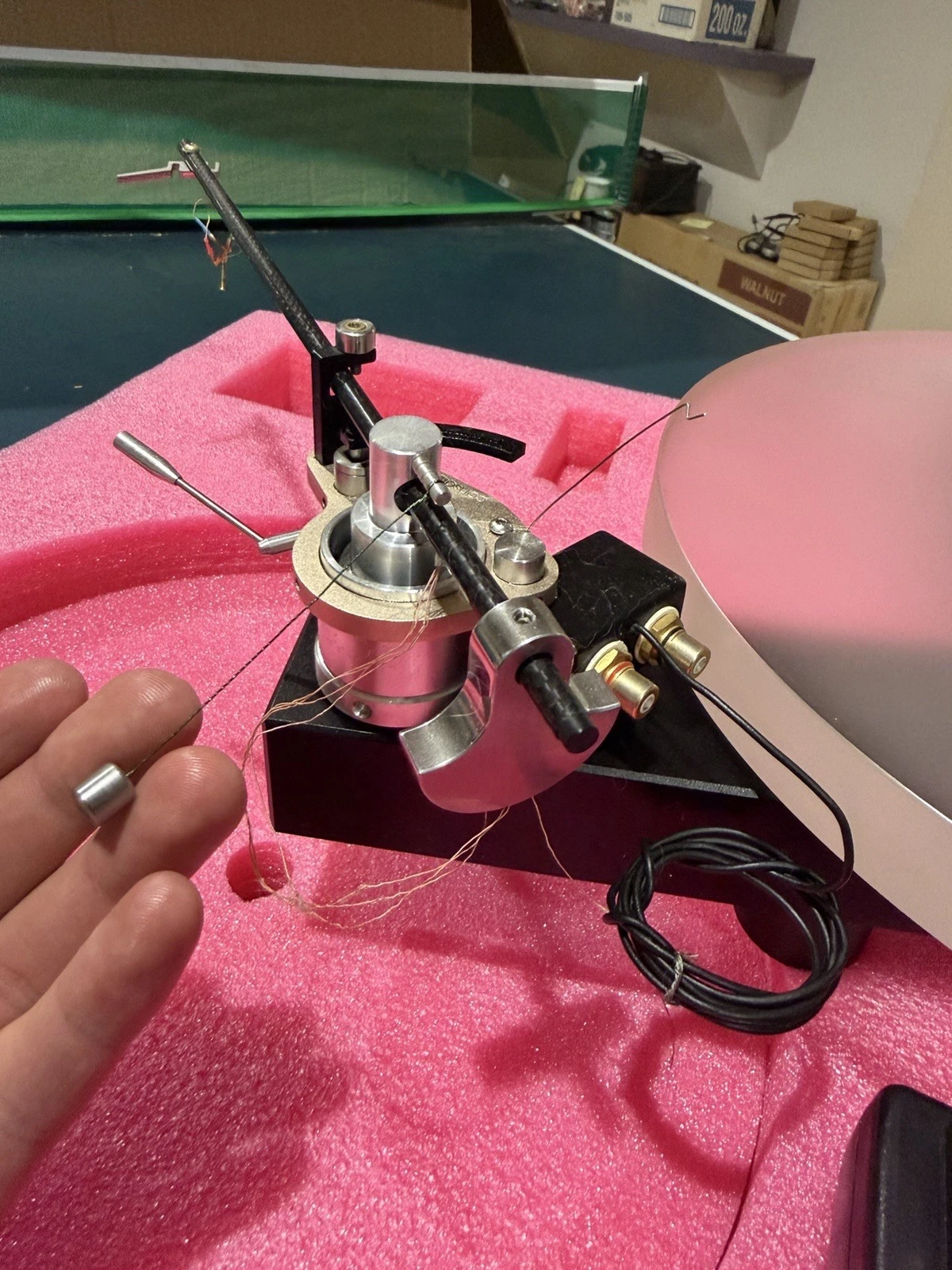
Photos MUST be on the web, that's the key to success.
How to get your photo on the web?
My Solution:
Create a Virtual System on this site
I named mine MISC (you could name it 'my photos')
https://www.audiogon.com/systems/11519
after the initial Virtual System creation: go to the list of your virtual systems
right side: ACTION, drop down box, 3 choices, EDIT
Images, click Choose File,
it opens 'choose a local file' (on your computer) .. find it, select it, chose 'open'
scroll down, SAVE
now you have edited your misc. virtual system, your photo is now on the web!
you are in the edit window, you need to close it, and open your virtual system
get back to the list of Virtual systems, open MISC virtual system
select the photo you want,
as above, for any photo on the web:
right click it, copy image address .......