ALL CREDIT TO DOGBERRY who taught me this 3 years ago
I’m an old man (77), U can do it.
INSERT Photo in an Audiogon Post
- Write some yap about your subject in a post here
- Open a new Window in your Browser
- Find a Photo already uploaded to the web (repeat: already uploaded to the web
- RIGHT CLICK on the PHOTO
- Popup menu appears
- ‘copy image address’ (that is the image's URL)
- Back to Your Audiogon Post
- Click in Top bar: 6th icon from left: (mountains with moon)
- Popup window appears
- Paste URL in the box (cursor is blinking)
- Size: enter 600 in the width box (that's 600 pixels) aspect ratio is maintained, no need to enter the height)
- OK
- SAVE
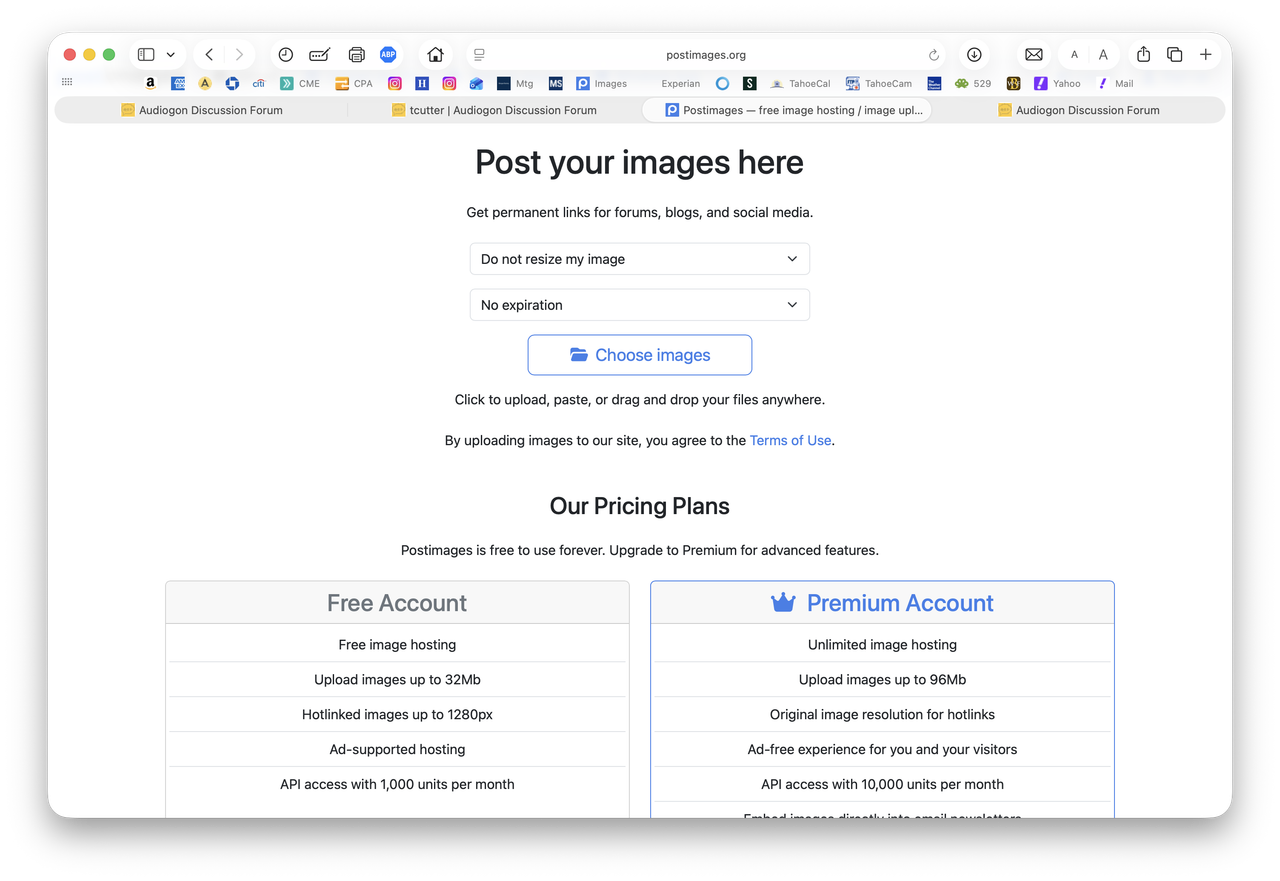
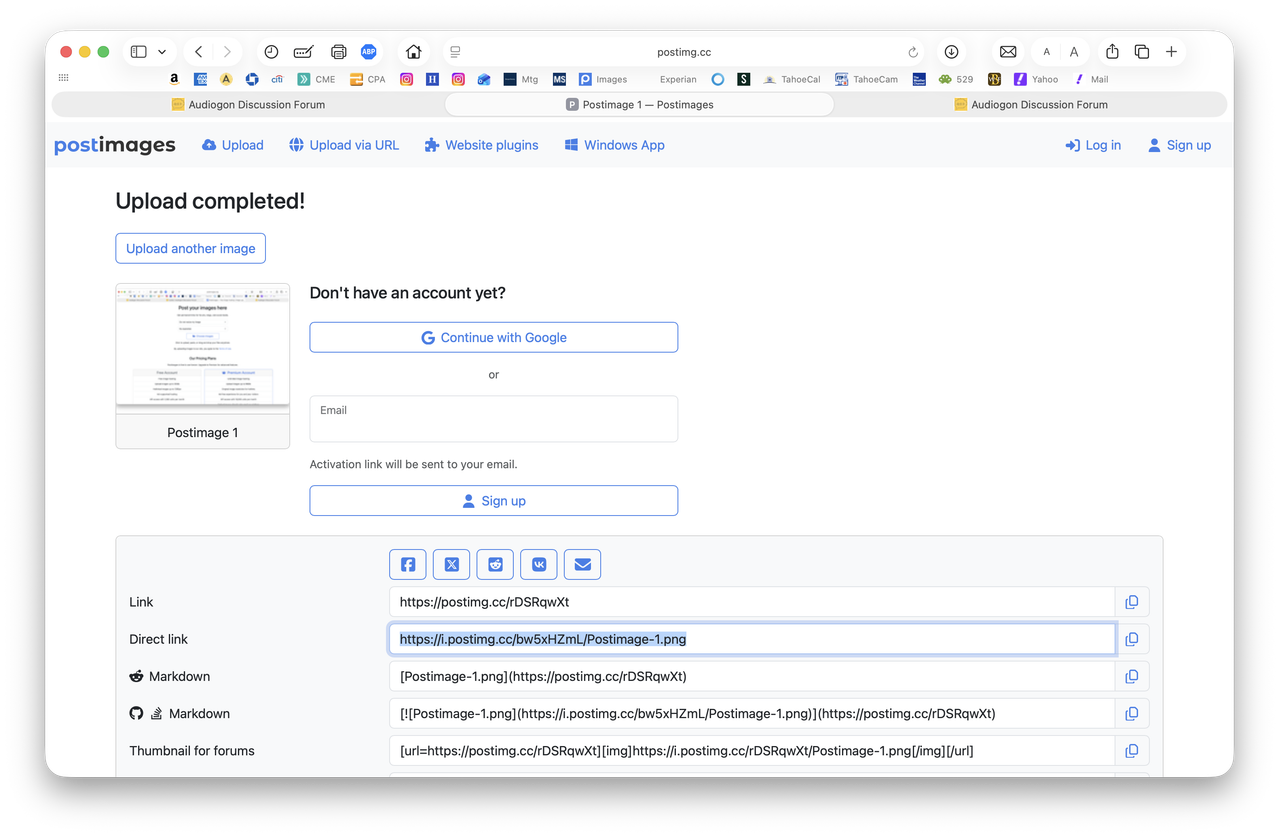
Get your photo on the web
1. Make a Virtual System on this site,
2. label it 'My Uploaded Photos'
3. upload photos to it, NOW they are on the web!


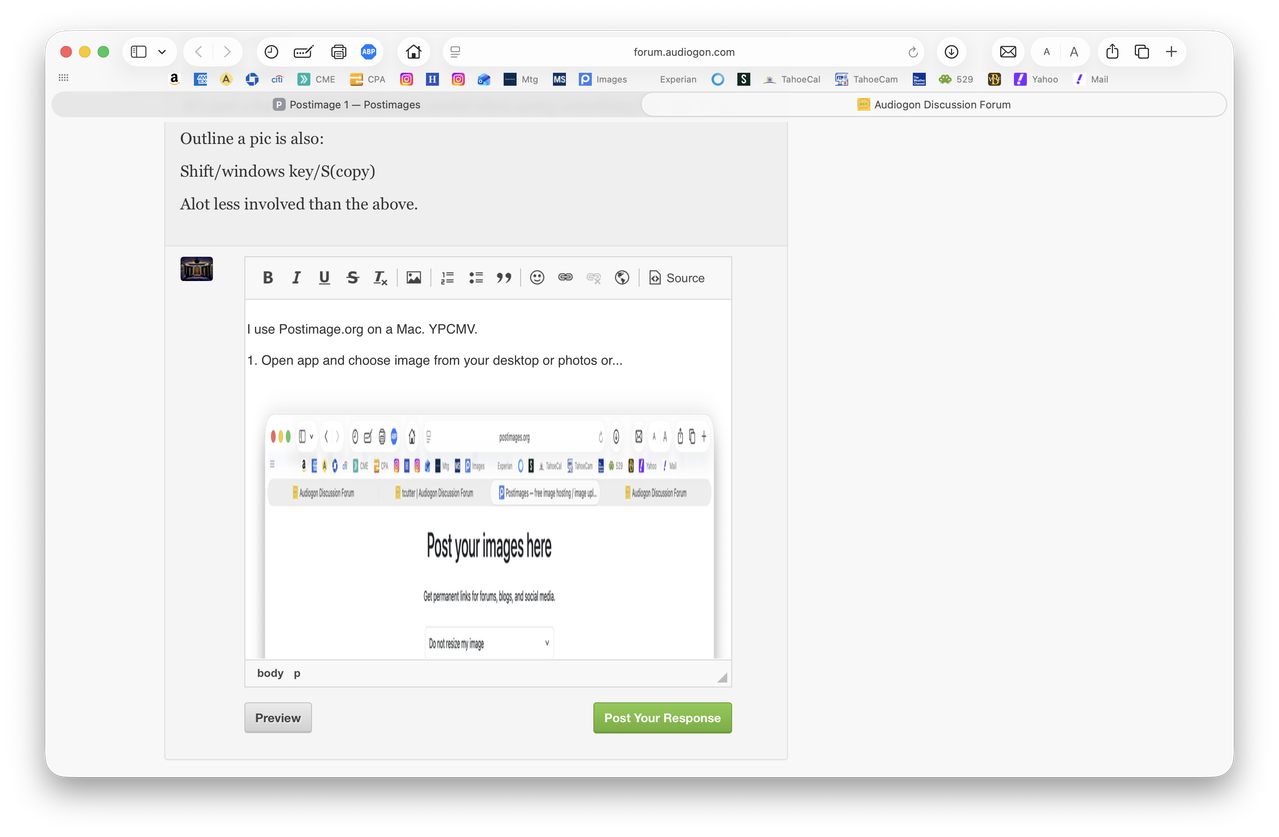 4.This takes you to this box where you paste the URL as below and click OK.