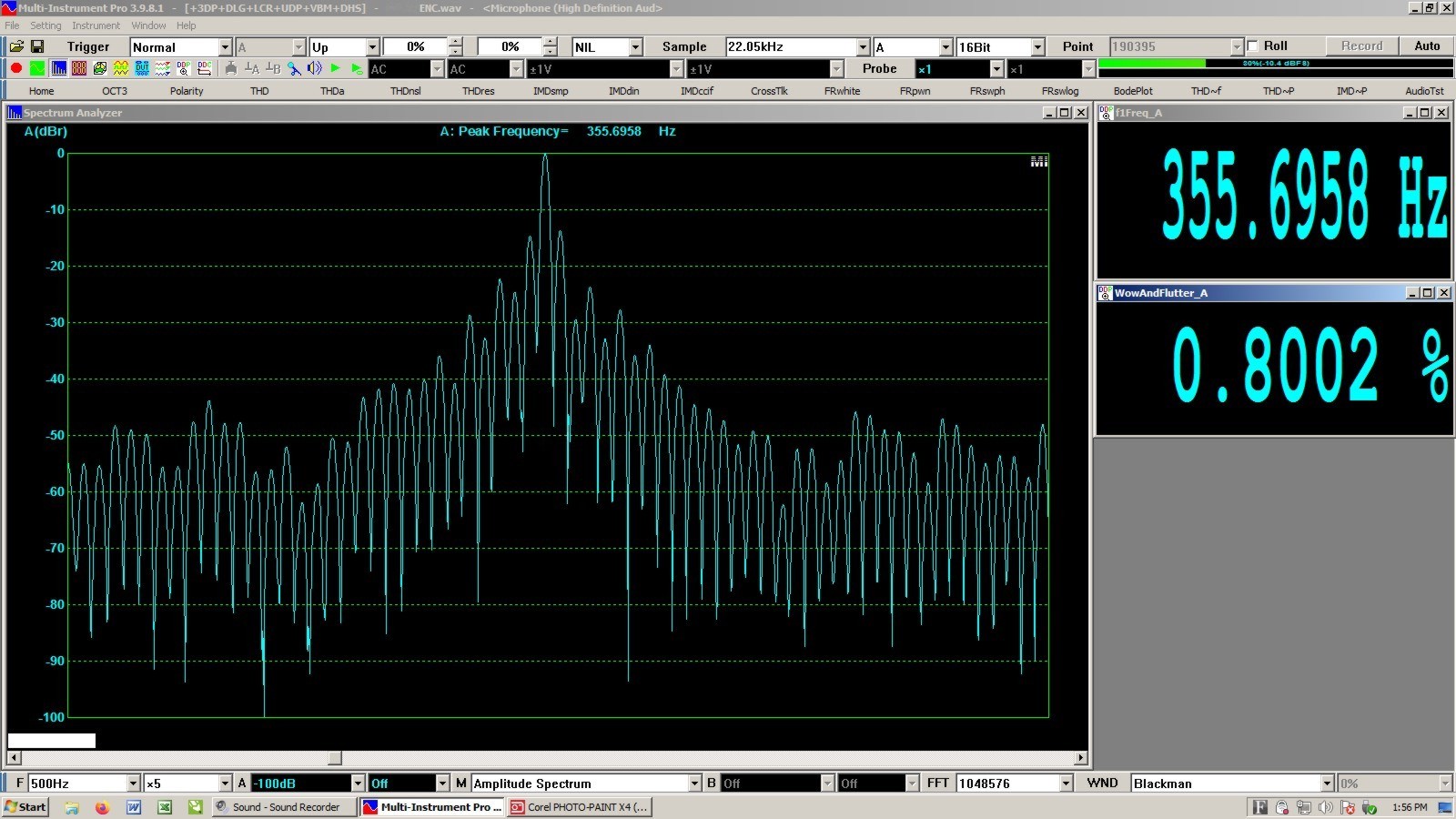
This is the readout of the same .wav file taken with Multi-Instrument software:
T
The reading is higher than the polar plot software, but I believe their BW is also 200Hz.

How important is low W & F performance anyway?
I recently completed work on a direct drive motor controller for a turntable mfr with IMHO, rather impressive results (0.004% 2 sigma method, 0.002% RMS). In measuring other tables actual performance (vs published specs) I was shocked at the rave reviews two tables received that have rather lousy measured performance (but impressive specs). It made me wonder whether the goal of ultra low W&F performance was really necessary? I trust the measurements as they were verified by several methods and software tools and they correlated rather closely, yet the reviewers almost universally praise these tables. It made me wonder if the reviewers even know what they are hearing or listening for and not to put to fine a point on it, does it even matter?
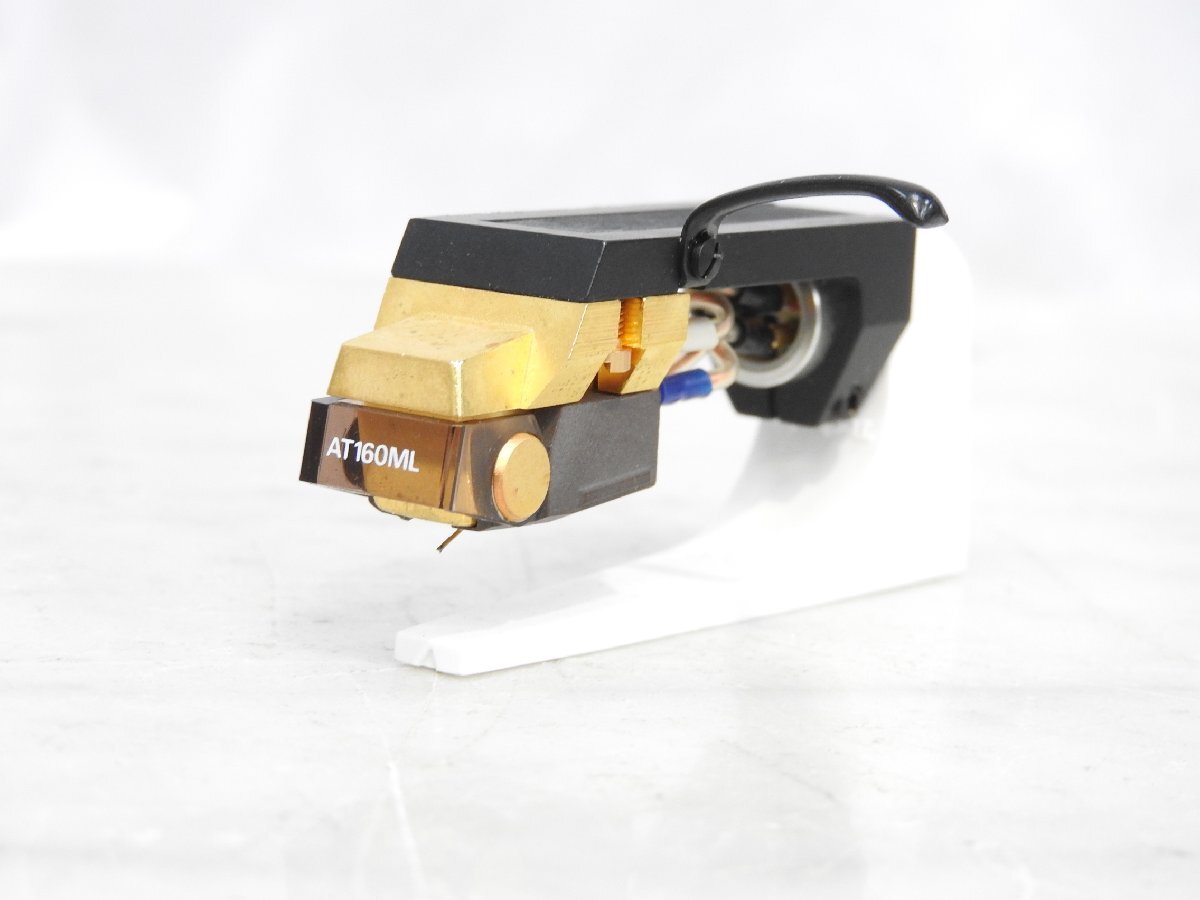
Have you noticed how often I paste photos? I think it ’livelys up’ the posts, I wish more people posted images. It was a mystery, until it wasn’t. this is a lot of words, but it’s much easier once you get it down. The KEY is the image must be ONLINE ..................................................... AnalogMagik Graphs are shown on your computer screen, correct? 1. take a screenshot, open it, crop it, save it as a .jpeg 2. get it online somehow (my method below). 3. insert the online image in your post here /////////////////////////////// My method to get an image online: I made a Virtual System on this site, ’misc’ to upload any image from my computer to that virtual system so I can insert it in my posts. https://www.audiogon.com/systems/11519 3. open the image ONLINE, right click it, ’copy image address’ (it’s url) 4. now, in a window here, top line, 6th icon from the left, click ’Image’ paste the image address (url) you copied size: width, change it to 555 (height will be automatically changed). click OK example: here’s my current favorite cartridge (right clicked image from Yahoo Auction web site)
////////////////////////////////////// Screenshot (change it to .jpeg) I don’t know Apple, but Windows, keyboard: a. hold the windows symbol key (bottom left area) and the Prt SC key (top right area) at the same time, bingo, in Pictures, there is a ’Screenshots’ folder, there it is with a number that you can rename. It is a .png which you will convert to a .jpeg b. double click it, Windows Photo app will open it, and it is the whole monitor screen, you click EDIT top left, then crop it. c. Save AS Copy pick a location so you can find it, or let it put it in the default ’Pictures’ folder rename it change the type (drop down box) from .png to .jpeg Couldn’t be easier.
|
@billstevenson The image has to be on a server somewhere (dropbox etc.). Click on the postcard looking icon when composing a message and provide the link to the image file when the pop up window is shown. This blog doesn’t seem to like large images so to prevent it from being distorted, resize it in the pop up window to be 600 px wide or less. EDIT: I just saw that elliottbnewcombjr posted as I was typing and his explanation is much better than mine. |